


Cy Watson
CPO, Co Founder
Open Interest (OI)
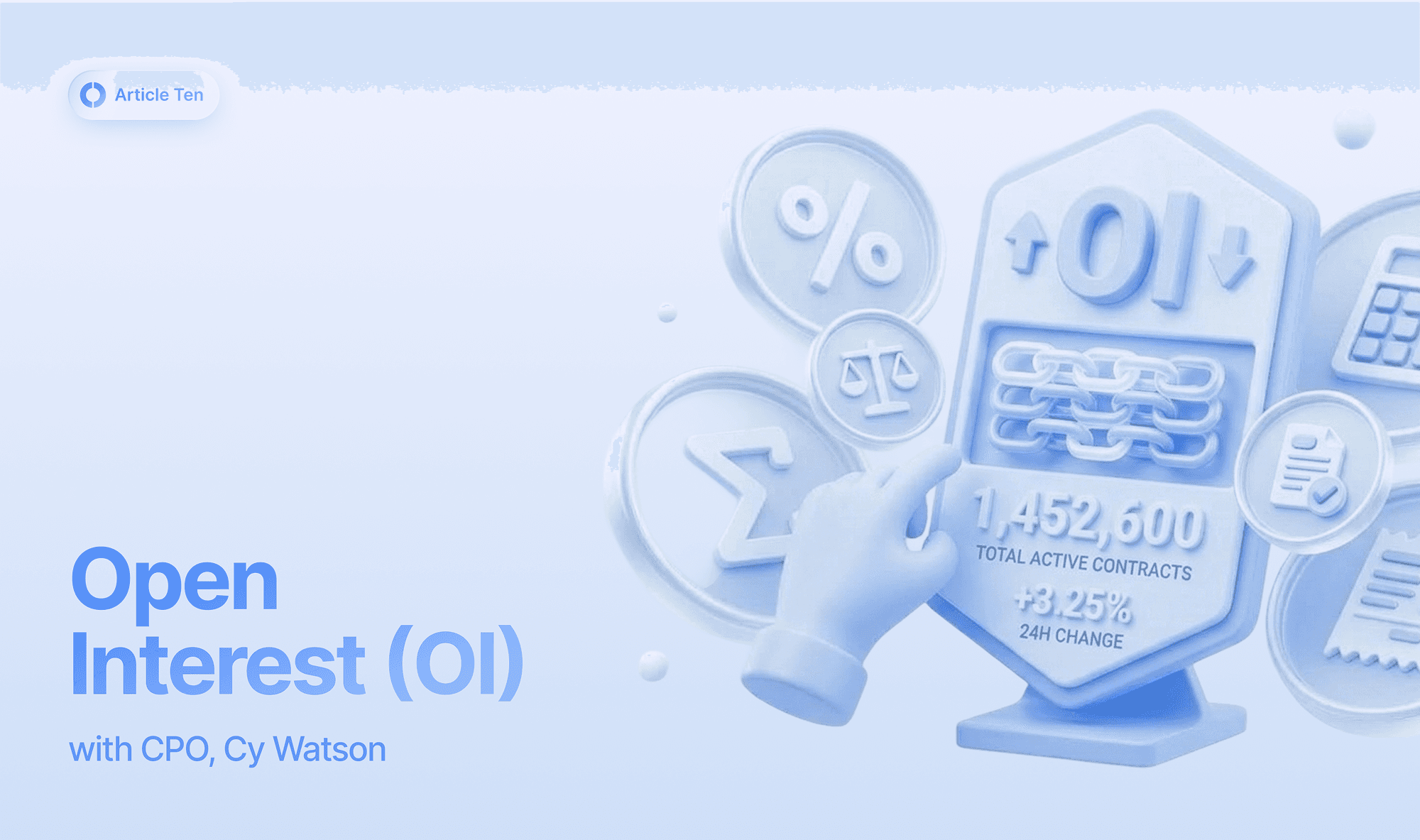
If you’ve tried to open a trade on Invo and received an error saying "Cannot increase position when open interest is at cap," it essentially means the market for that specific coin is currently "at capacity."
What is Open Interest (OI)?
Open Interest represents the total number of active positions (both Longs and Shorts) currently open for a specific asset. Unlike "volume," which tells you how much has been traded in a day, OI tells you how much "risk" or "exposure" is currently live in the market.
What is an OI Cap?
An OI Cap is a safety limit set on how much total Open Interest is allowed for a specific coin across the platform.
Why does Invo have these caps? To keep the ecosystem stable and protect traders from extreme price manipulation or liquidity shortages, the protocol limits how much exposure can be taken on any single asset—especially smaller or more volatile "long-tail" coins.
If the cap is reached, it means the platform has determined that allowing more positions would be too risky for the current market depth.
Why am I seeing this error?
You are seeing this error because the coin you are trying to trade has reached its maximum allowed limit of active trades.
The "Full House" Rule: Think of it like a popular venue. Until someone leaves (closes their position), no one else can come in (open a new position).
High-Demand Assets: This error usually happens on trending meme coins or newer assets where everyone is trying to pile into the same trade at once.
How do I fix it?
Since this is a safety limit at the protocol level, you can't manually bypass it, but here are your best moves:
Wait and Retry: Open Interest is constantly moving. As other traders close their positions or get liquidated, "space" opens up. Often, retrying your order a few minutes later will work.
Use "Reduce Only" Orders: You can always close or shrink an existing position even when the cap is hit. The cap only prevents you from increasing your exposure.
Monitor the Stats: Check the asset info tab. If you see OI sitting at 100% of the cap, you’ll know exactly why your order is being rejected.
Pivot to a Different Asset: If a specific coin is "capped out," it’s often a sign of extreme volatility. It might be a good time to look for opportunities in markets with more breathing room.
Note: These caps are dynamic and adjust automatically based on the asset's liquidity and overall market health. As the Invo ecosystem grows, these caps generally expand.